
How I Reduced a 1.2GB Unity WebGL Build to 68MB and Made It Deployment-Ready in 1 Week
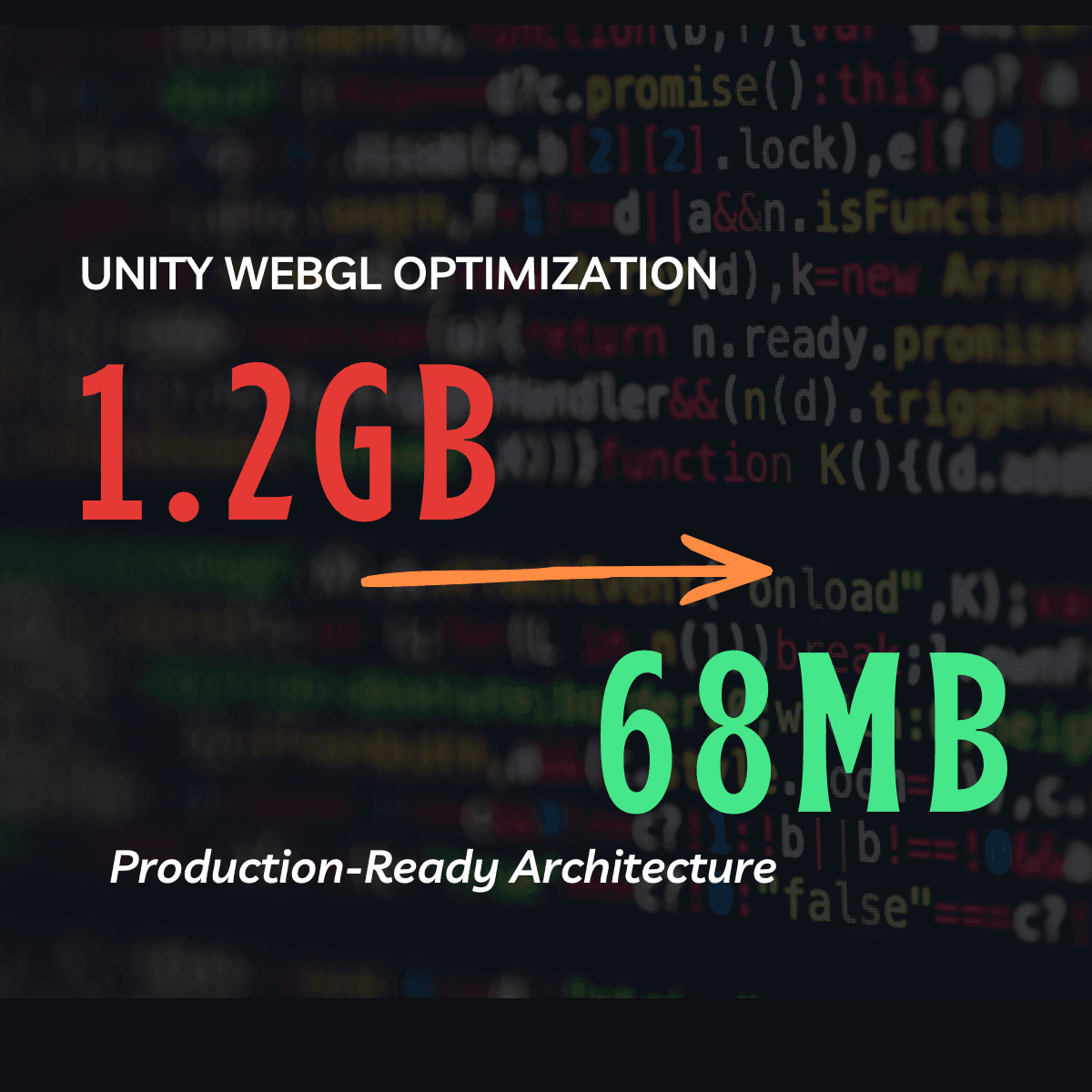
Reduced a 1.2GB Unity WebGL build to 68MB by restructuring media architecture, migrating video assets to Cloudflare R2 CDN, and implementing runtime streaming with failure-safe logic. Delivered a production-ready research deployment in 7 days.
Jump to sections
The Context
A PhD researcher approached me with a Unity WebGL project designed as an interactive breast cancer awareness experience.
The project:
- Used branching decision paths
- Played different 3D-rendered videos depending on user choices
- Logged participant interactions for research analysis
- Needed to be deployed publicly for survey participants
The problem?
The WebGL build size was 1.2GB.
For a browser-based research tool, that was completely impractical.
The Core Problem
The build size wasn’t due to complex gameplay.
It was due to:
- Dozens of embedded video files
- Each decision branch triggering a different pre-rendered clip
- All videos stored locally inside the Unity project
This created:
- Massive build size
- Extremely slow load times
- High risk of browser crashes
- Increased hosting costs
- Poor user experience for survey participants
For a research study, this could directly affect data quality.
If users drop before completing the survey, results become unreliable.
Strategic Decision
Instead of “optimizing textures” or tweaking compression settings, I restructured the architecture.
I proposed:
- Removing all video assets from the Unity build
- Hosting all videos externally on a CDN
- Streaming them dynamically at runtime
The client agreed.
The Technical Solution
1. Externalizing Media to Cloudflare R2
- All video files were moved to a Cloudflare R2 storage bucket
- CDN delivery ensured low latency and scalability
- Video references inside Unity were replaced with secure URL endpoints
This immediately removed over 1GB from the project.
2. Runtime Video Handling Logic
Simply switching to URLs isn’t enough.
I implemented:
- Fallback handling for delayed or failed video loads
- Graceful error states (no blank or black screens)
- Loading indicators to preserve UX continuity
This ensured:
- Stable experience even under poor network conditions
- No broken survey flows
3. Zero-Backend Survey Logging
The research required logging user decisions.
Instead of deploying a backend server, I built:
- A lightweight Google Apps Script endpoint
- Connected directly to Google Sheets
- Secure front-end calls from the WebGL experience
- Structured data logging for each user path
This eliminated:
- Backend hosting costs
- Deployment complexity
- Maintenance overhead
The Result
After restructuring:
- Build size reduced from 1.2GB → 68MB
- Drastically improved load time
- Lower hosting costs
- Stable WebGL performance
- Reliable participant data logging
- Deployed successfully within 1 week
Strategic Insight
Most Unity WebGL projects fail because:
- They treat WebGL like a desktop build
- Media-heavy content is embedded instead of streamed
- No architectural thinking is applied before deployment
Optimization is not just compression.
It’s architectural decision-making.
This project wasn’t just about reducing file size.
It was about making a research tool viable for real-world deployment.
If you're dealing with:
• large Unity WebGL builds
• slow load times
• deployment issues
• unstable browser performance
I run technical audits for teams preparing to ship or scale.
Request a Unity/WebGL architecture audit:
Unity WebGL Optimization
Need help optimizing a Unity WebGL build?
Dealing with excessive build size, slow loading, memory issues, or deployment problems? I can audit the project and identify the highest-impact fixes.